

Appearance
Settings
Users
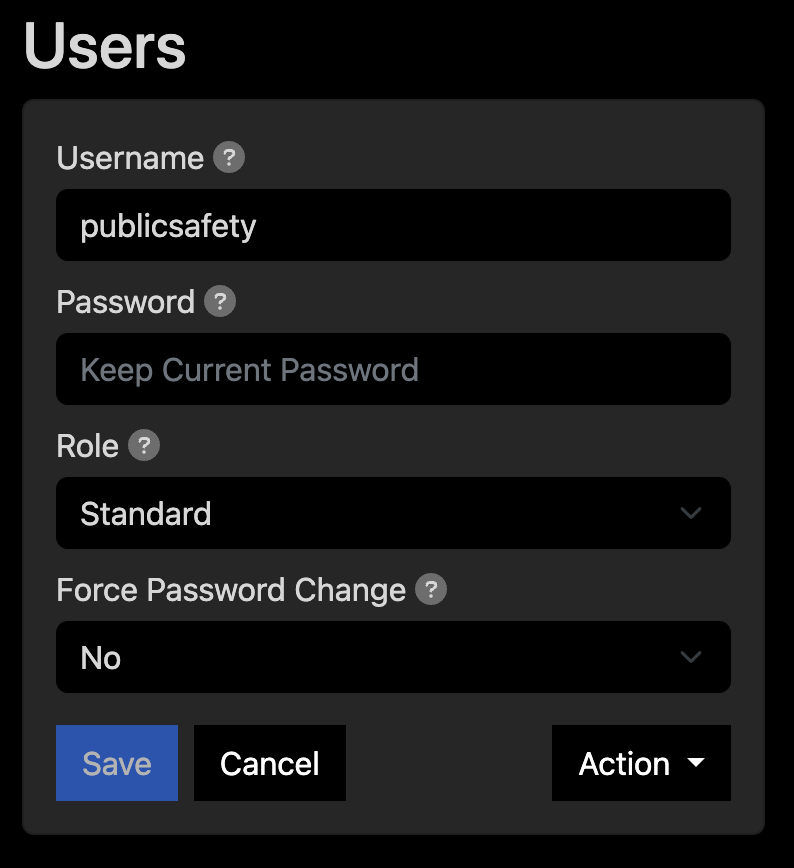 Add additional EAS users.
Notifications
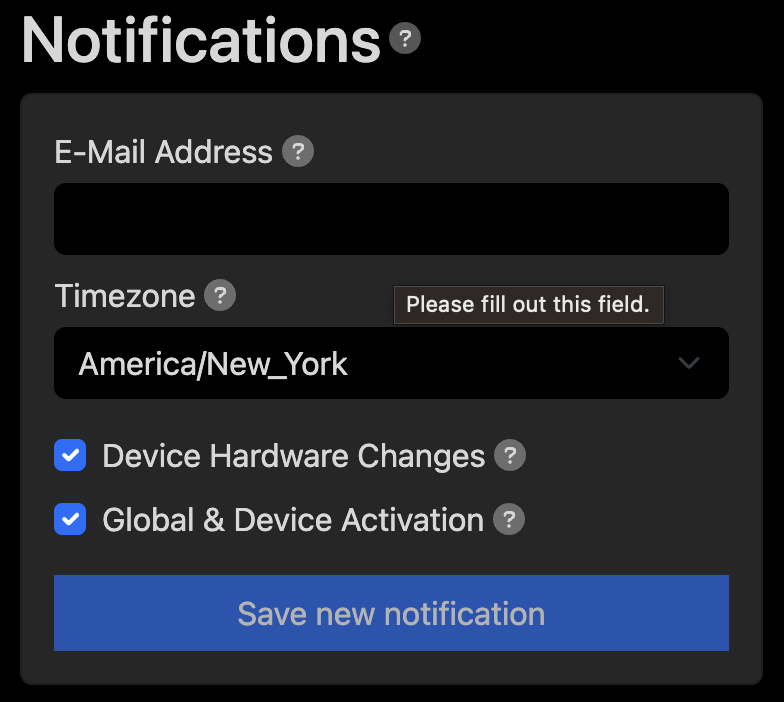 Email notifications provide alerts for EAS activations and connectivity issues. Please note that this feature requires internet access.
Command Unit Name
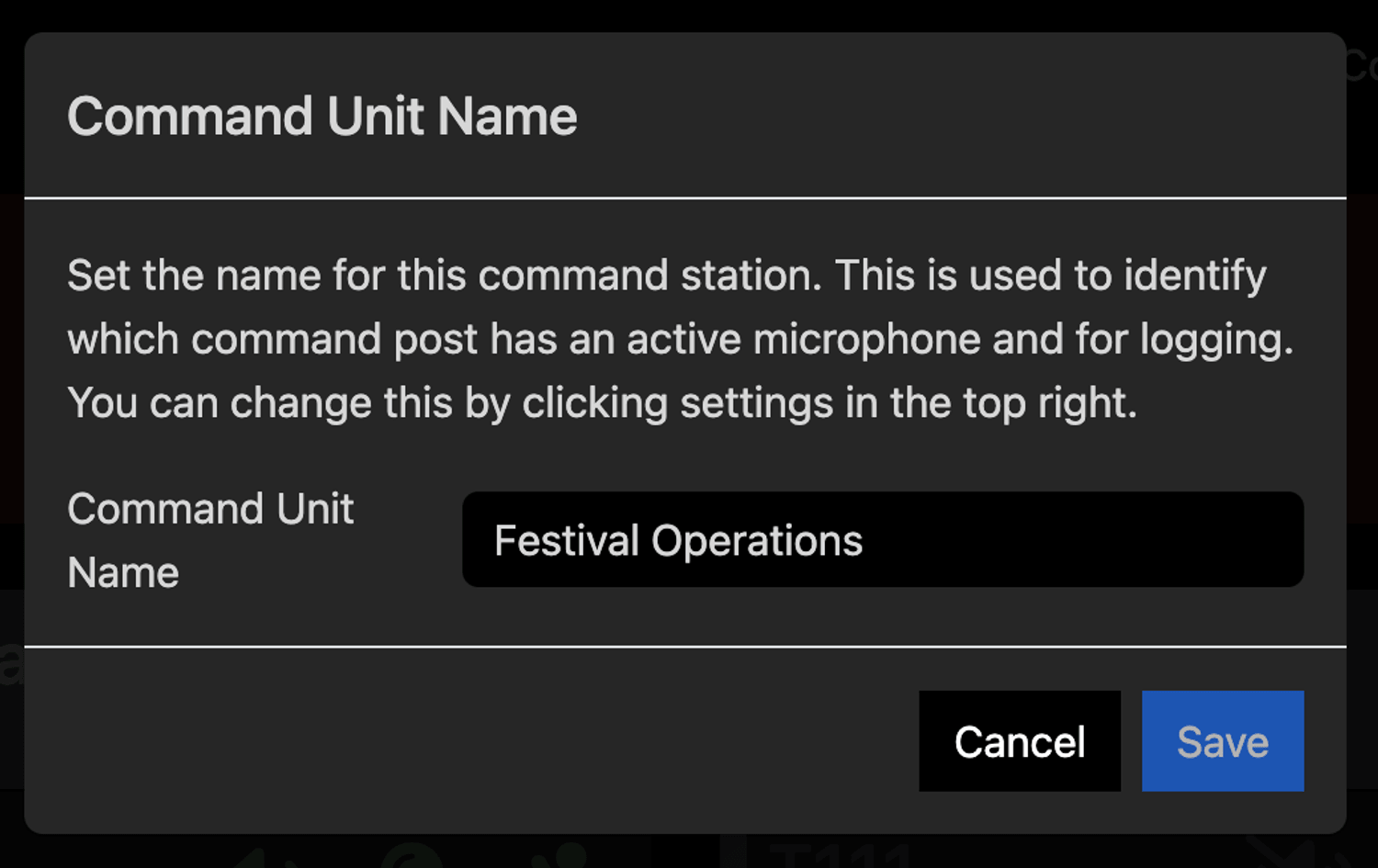
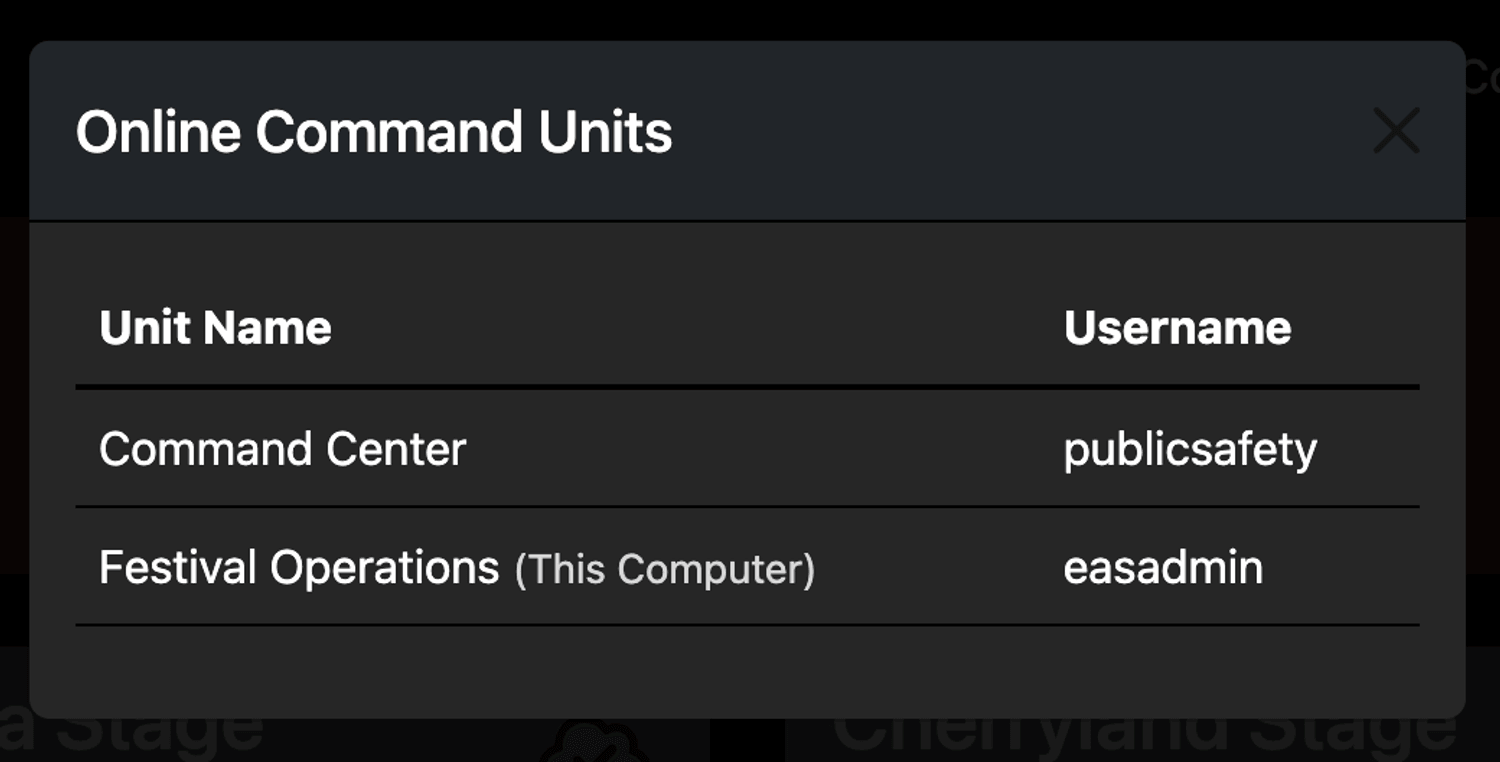
Each command unit is assigned a name. This is used to reference the unit during live broadcasts and to monitor connectivity from other command units.
Audio Audit
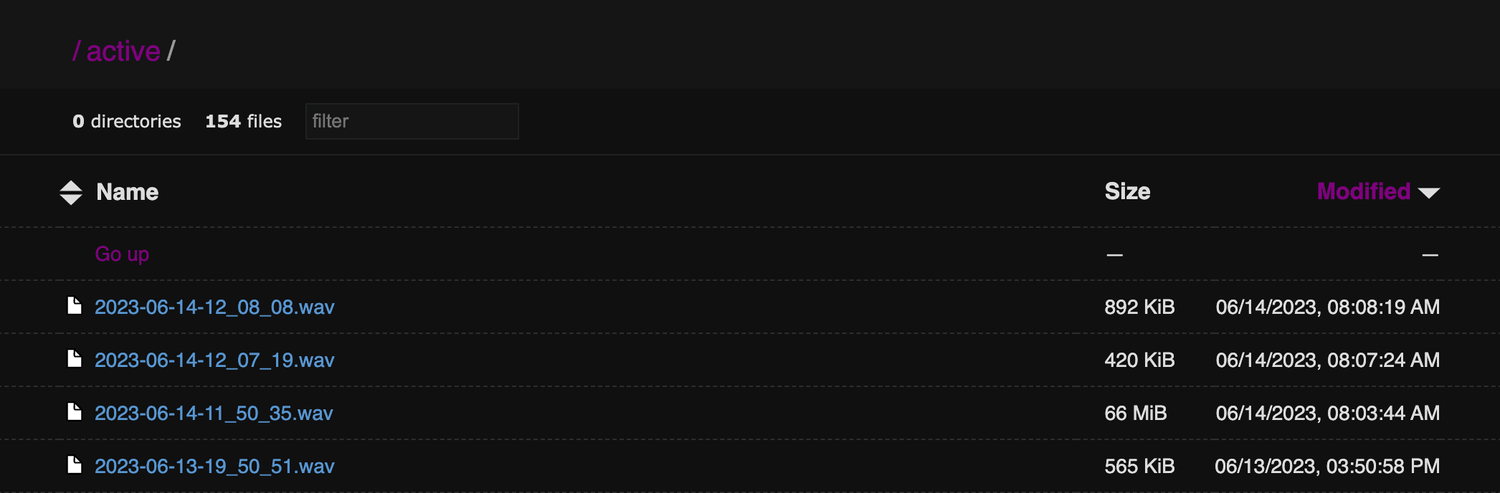
The EAS Controller retains a rolling buffer of emergency audio broadcasts. Through Audio Audit, timestamped recordings can be saved for troubleshooting and post event response analysis.
Export Recordings
Export Recordings generates and downloads a zip file of all prerecorded messages. This can be used to archive messages to bring to the next event.